


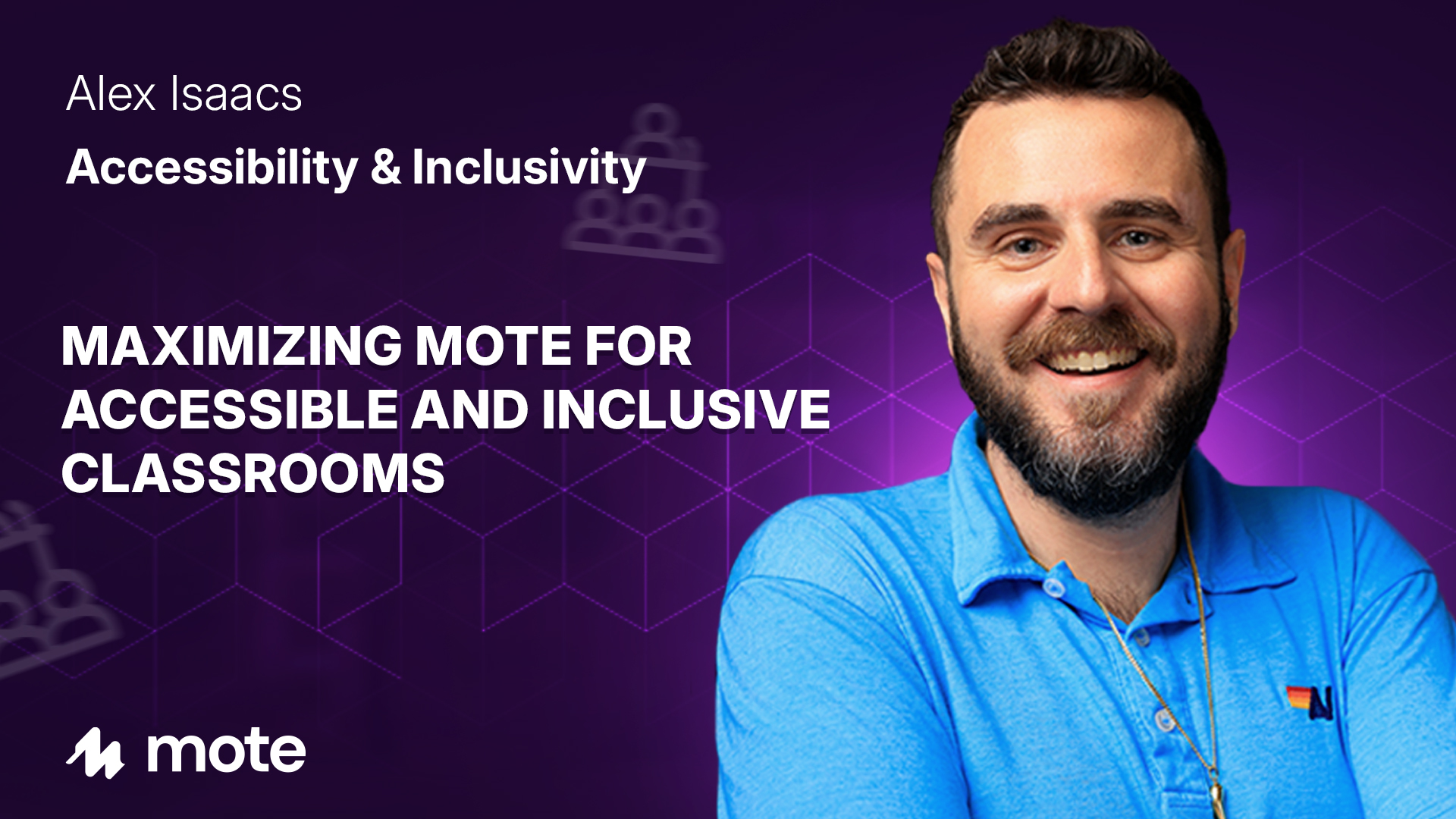
Welcome to the session "Maximizing Mote for Accessible & Inclusive Classrooms" presented by Alex Isaacs at MoteCon 2024. This session explores how educators can leverage Mote—a voice recording tool for Google Workspace—to enhance accessibility and inclusivity in their classrooms. By integrating Mote, teachers can create a more engaging and supportive learning environment for all students.
• Mote can personalize learning experiences, making students feel more connected.
• Using voice messages can help establish an inclusive classroom culture.
• Integrating Mote with platforms like Canva can enhance accessibility features.
• Mote helps teachers address diverse learner needs effectively.
• Sharing voice feedback can foster student engagement and motivation.
Mote is a powerful tool designed to add voice notes and feedback within Google Workspace. This session by Alex Isaacs provides educators with practical tips on maximizing Mote’s features to boost classroom accessibility and inclusivity.
As a former eighth-grade math teacher, Alex Isaacs emphasizes the impact of voice messages. During remote learning, personal audio messages helped maintain a sense of normalcy and connection among students. This session highlights how audio tools like Mote can transform classroom dynamics by catering to diverse learning needs.
Accessibility is crucial in education, and Mote can play a vital role in achieving this. By providing audio feedback and instructions, educators can accommodate different learning styles and needs. This section explores how Mote’s features can make educational materials more accessible.
Establishing an inclusive classroom culture is essential for student success. Alex Isaacs shares strategies for using Mote to ensure all students feel heard and accepted. By incorporating personalized audio messages, teachers can foster an inclusive environment where every student feels valued.
Alex Isaacs shares a practical approach to integrating Mote with existing classroom tools:
1. Use Mote with Google Slides to add voice instructions and feedback.
2. Integrate Mote in Canva presentations to enhance interactivity and accessibility.
3. Utilize Mote’s social media channels for community support and ideas.
An example of Mote’s integration is its use in Canva. Teachers can embed Mote audio players in presentations, offering transcripts and voice notes. This feature ensures that all students, regardless of their learning preferences, can access the material effectively.
By the end of this session, educators are equipped to use Mote to create more inclusive and accessible learning experiences. The power of voice is undeniable, and Mote provides the tools necessary to bring that power into the classroom.
Alex Isaacs is an educational technology coach at Long Branch Public Schools. As a Mote Ambassador and leader, Alex collaborates with the Mote team to enhance educational tools and practices.
In this insightful session, educational technology coach Alex Isaacs shares valuable tips and innovative ideas for enhancing accessibility and inclusivity in your classroom using Mote. Discover how to harness the power of voice to create a welcoming environment for diverse learners.
Check out Alex's resources.



.png)

.png)
.png)


